ununPaper

Free · private · no login

Print-ready decks & docs, built by any AI

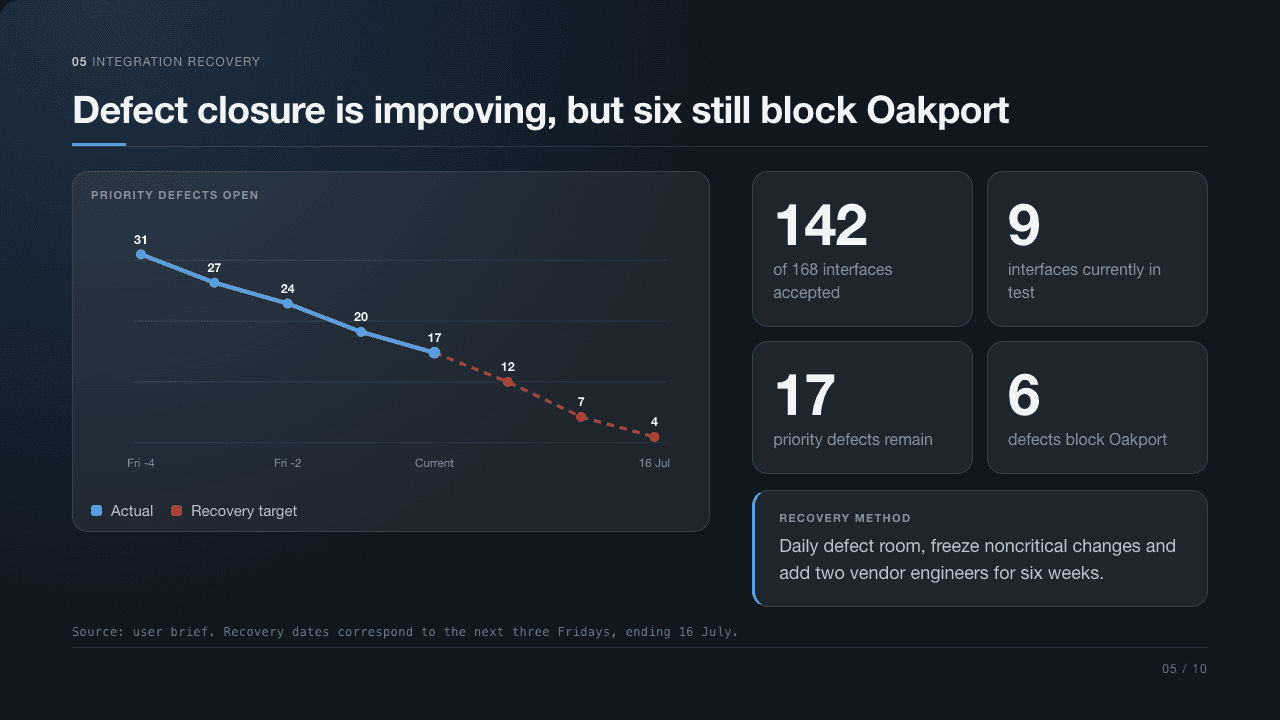
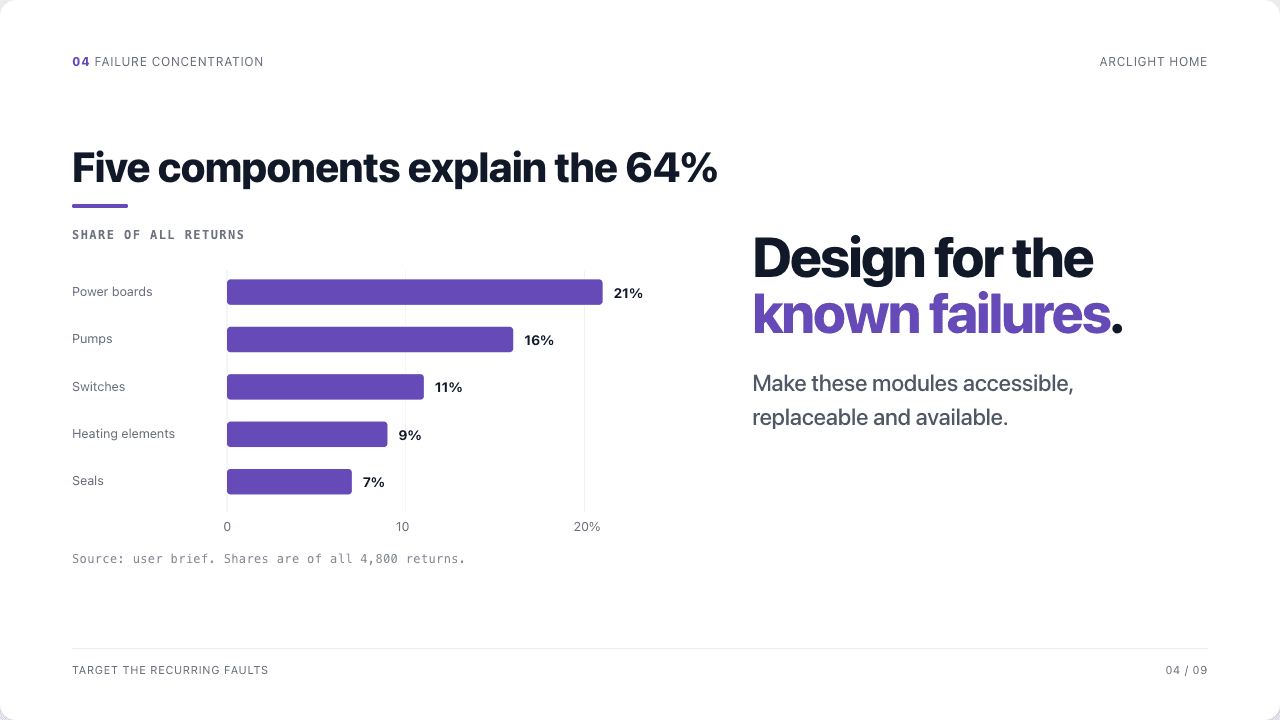
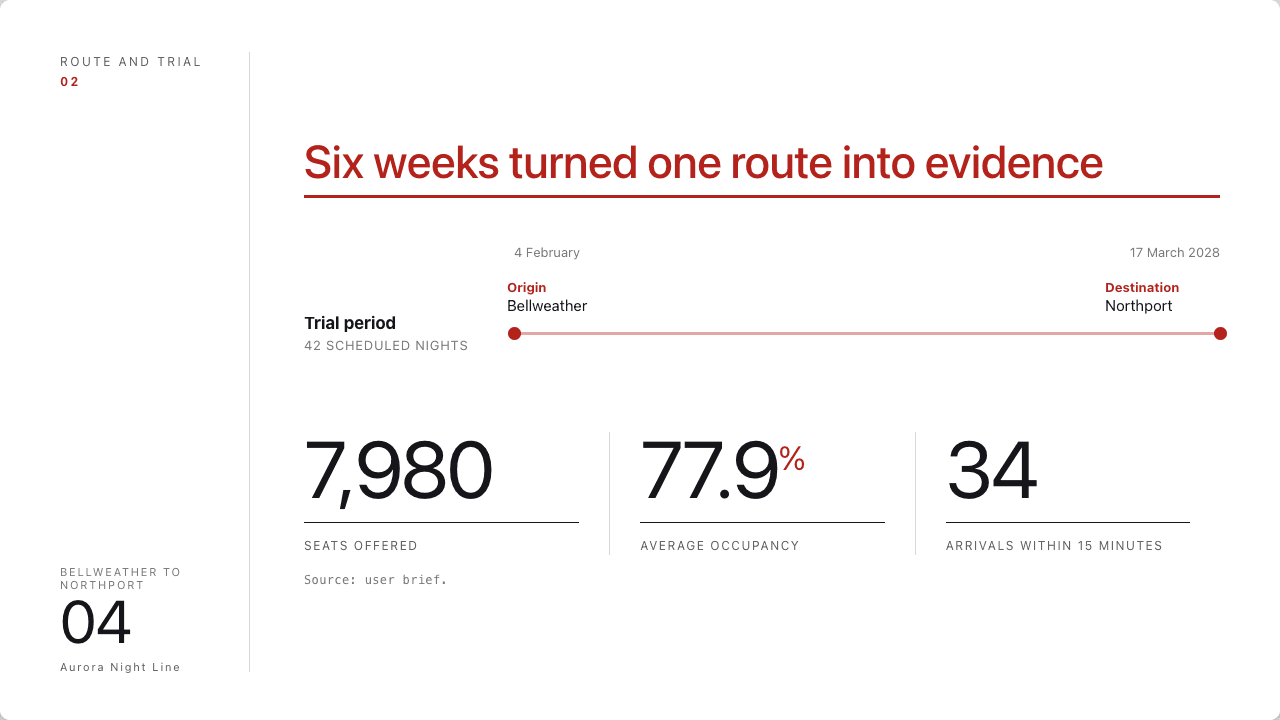
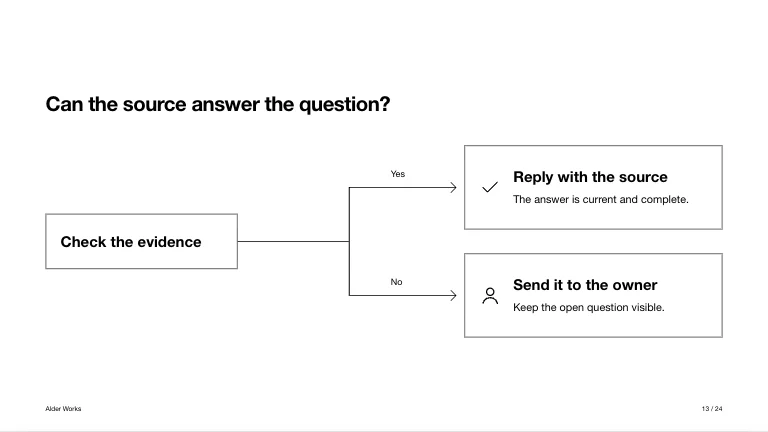
Start from a print-ready template, build it with the AI you already use, then save a flawless 16:9 deck or A4 document as PDF. It isn’t paper — it just prints like it.

What is unPaper, exactly?

unPaper doesn’t make your document — your AI does. We just hand you a really good starting point: a self-contained HTML template with the layout, print sizing, and the rules already baked in, so your assistant respects them and the result prints perfectly.

You could do this yourself. We spent a lot of iterations getting it right — every slide prints as exactly one 16:9 page, documents fit A4, nothing overflows, and any AI can edit it without breaking the print. The file is yours to keep, reuse, and adjust.

How to use it · 5 steps

  1. 1
    Choose a format
    Slides or a document.
  2. 2
    Copy the prompt
    Template + rules → clipboard.
  3. 3
    Paste into your AI
    ChatGPT, Claude or Gemini.
  4. 4
    Bring it back
    Paste the HTML below — or open it yourself.
  5. 5
    Print → PDF
    Straight from your browser.
Theme
unpaper-deck.html
Loading preview…

Copies the template + instructions to your clipboard — paste into ChatGPT, Claude or Gemini.

Steps 4–5 · finish here

Bring it back & save your PDF

Paste the HTML your AI returned — it renders below exactly as it will print. Then press Save as PDF. Nothing is uploaded; it all runs in your browser.

Your rendered result will appear here, ready to save as a print-perfect PDF.