How it works
Stay in your chat.Visit unPaper twice.
Use the AI your company already gives you. unPaper hands it a professional slide design: you copy it from unpaper.ai into your chat, and bring the result back only if you want to edit it or get PowerPoint.
- In your chat
Step 1: Brainstorm
Talk to your AI as you always do: what the deck is for, the context, the order of the story.
 On www.unpaper.ai
Step 2: Configure the look
Choose the slide designs, the category and the look. unPaper writes the design prompt — copy it.
- In the same chat
Step 3: Create the deck
Paste the prompt into the same chat. Your AI writes the deck as one HTML file you can open and present.
- On www.unpaper.aiOptional
Step 4: Edit, present, export
Paste the reply on unPaper. Rendering, editing and the PowerPoint conversion happen in your browser — your deck does not leave your approved environment.


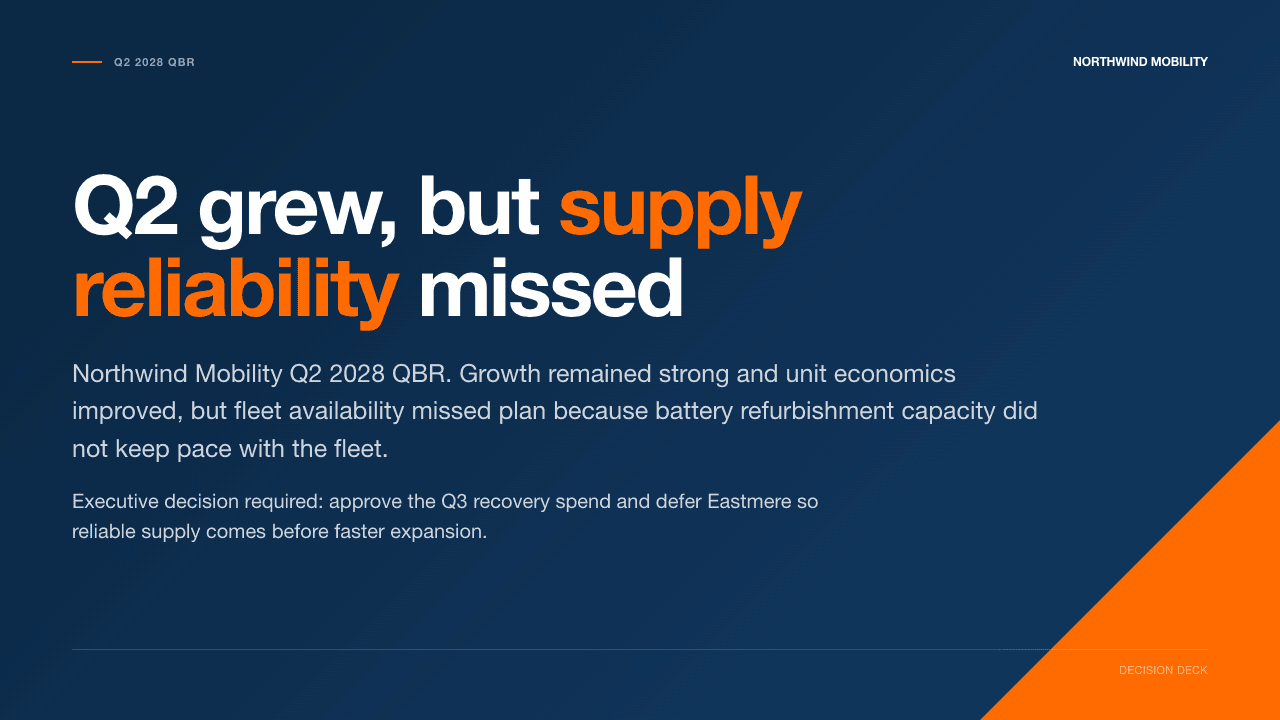
See it. Try it. Keep it.
Make your first change
in a real deck.
Change a heading, update a chart and export an editable PowerPoint. Start with a four-slide practice copy, then use the same tools on your own work.
Explore the tutorials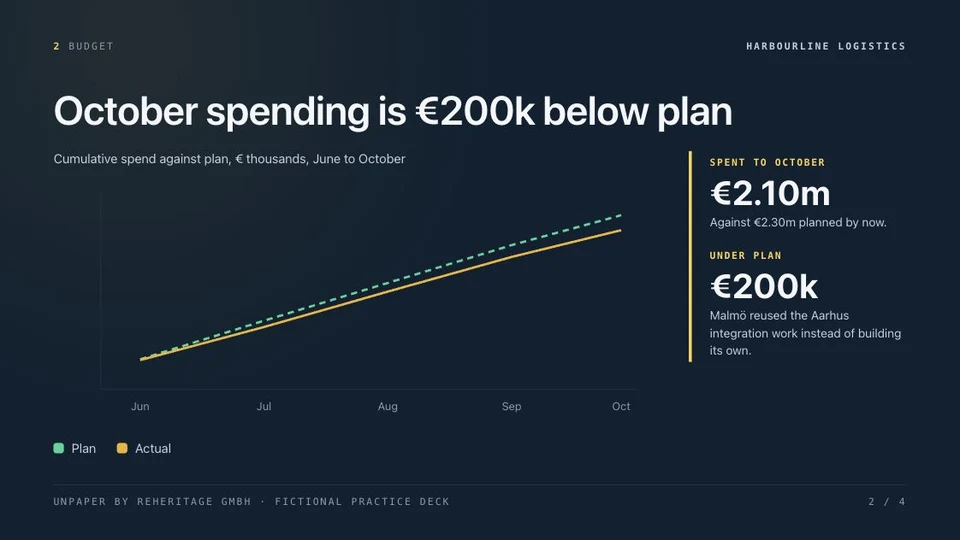
Guides and reference