unPaper tutorials
Make a change.
Keep what you make.
Written guides for each part of unPaper, with fictional examples you can try. Start with the tool you need, then bring your own work.
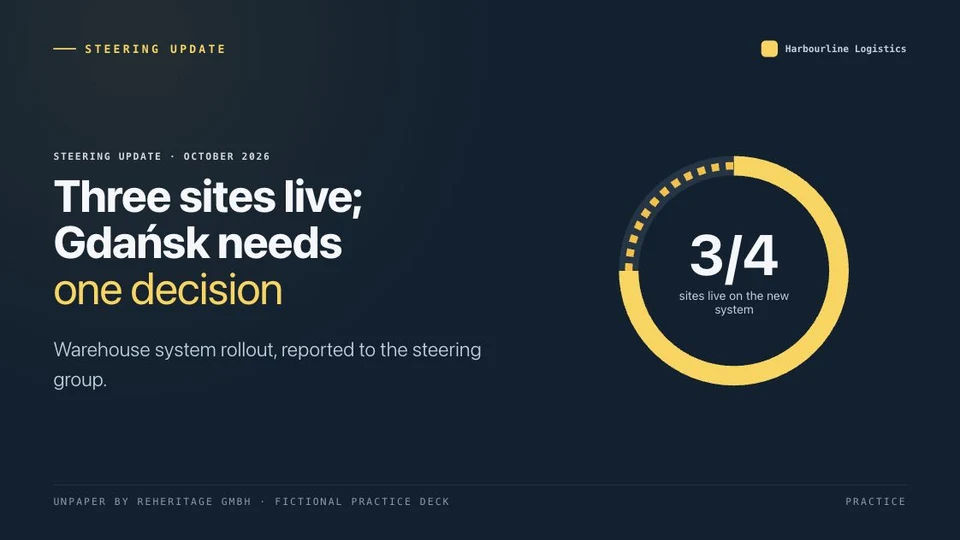
Start here. No AI needed for this exercise.
Open a fresh practice copy, edit it and export. Your other decks stay as they are.
Read the lesson firstOne task at a time
Seven main workflows, plus short lessons for everyday tasks.
11 tutorials
The main workflows
Choose a starting point, shape your deck and keep the files.
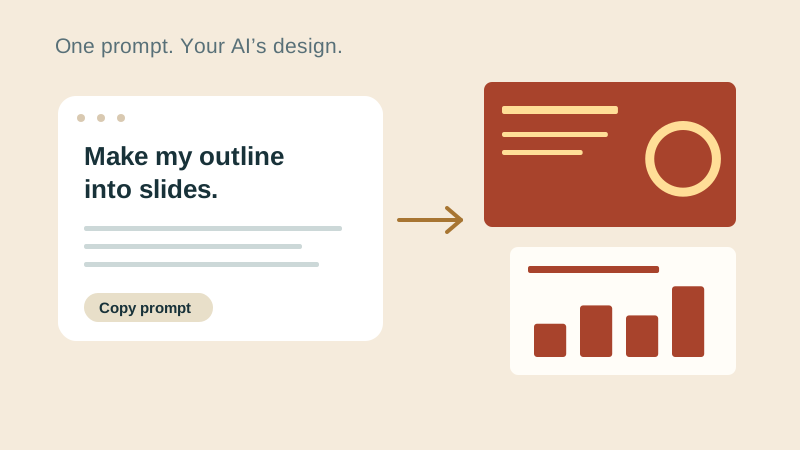
Simple prompt: let your AI design the slides
Use the General prompt for a quick start. Your AI chooses the design; you bring the finished HTML back to unPaper.
Follow the lesson
Templates: turn an outline into a deck
Follow one template from an outline in your chat to a deck you can finish in PowerPoint.
Follow the lesson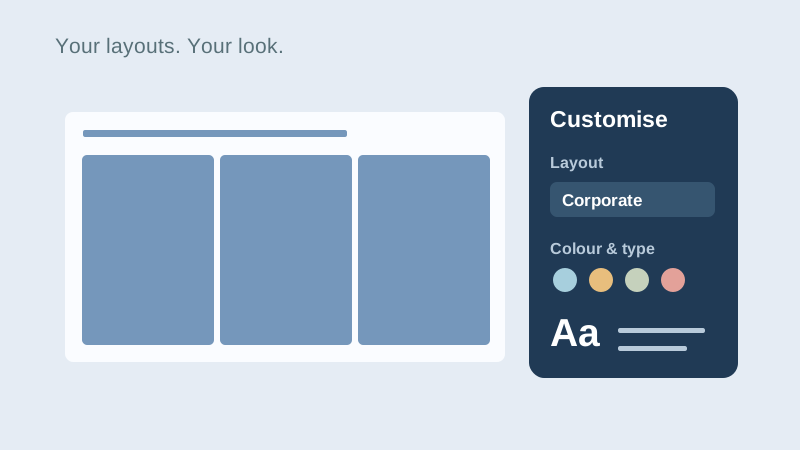
Custom prompt: choose layouts and a look
Give your AI example layouts, set the deck size and appearance, or use a saved brand kit.
Follow the lesson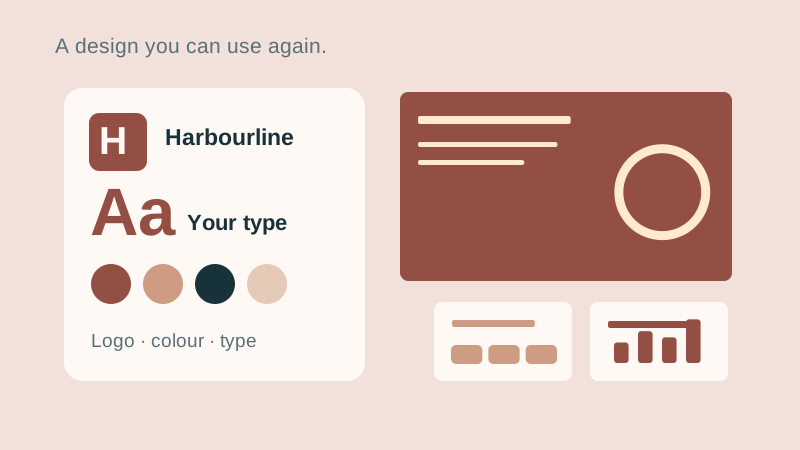
Designer: build and use your brand kit
Shape colours, fonts, logos and slide masters in Brand kit, then use the design in a Custom prompt.
Follow the lesson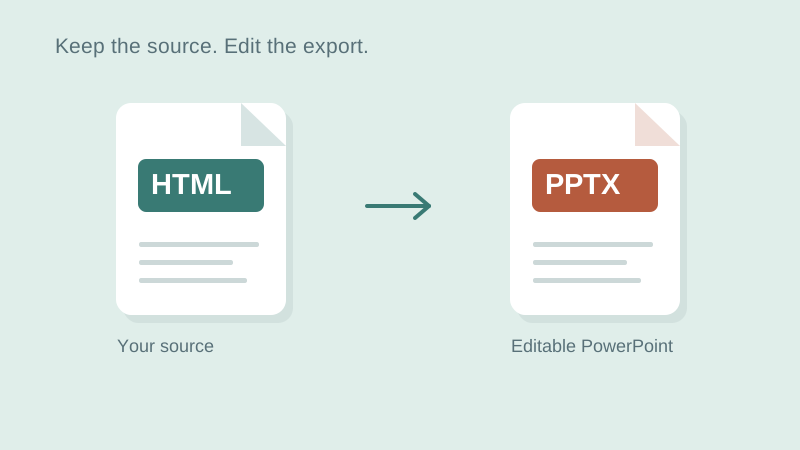
Converter: turn HTML into editable PowerPoint
Open an HTML deck, check the slides, convert locally and keep the source alongside the PowerPoint.
Follow the lesson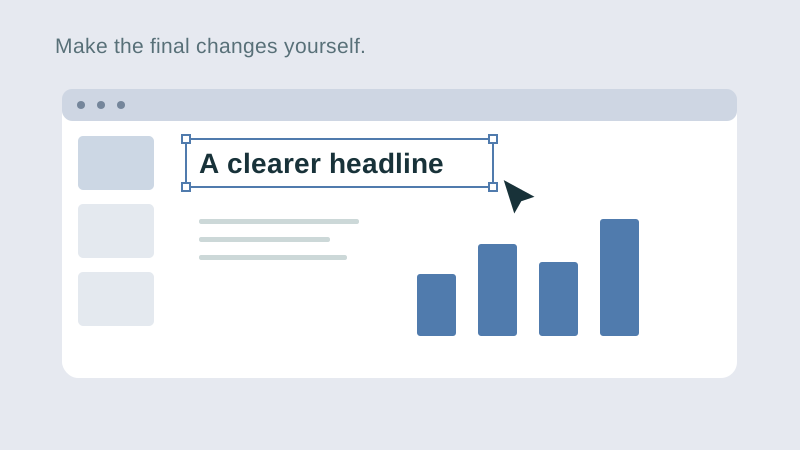
Editor: edit a deck and keep your files
Change a heading and a chart. Leave with an editable PowerPoint and the HTML source.
Follow the lesson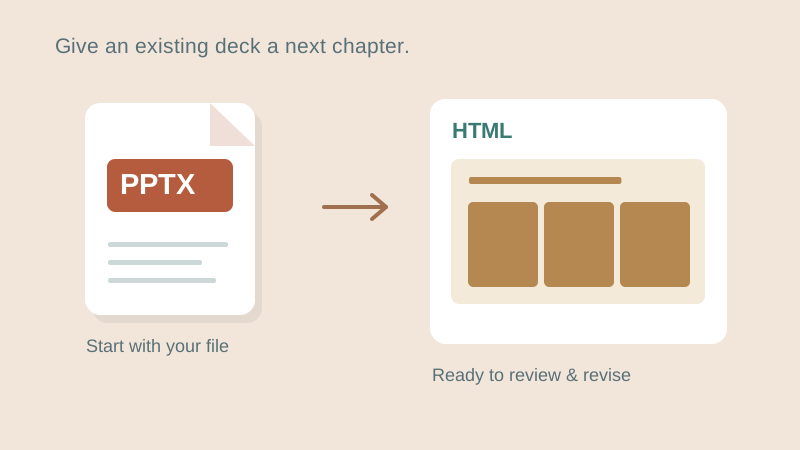
Import PowerPoint for your next revision
Open a PowerPoint locally, keep the original, and prepare an HTML source for revision.
Follow the lessonGo a little further
Short lessons for revisions, recovery and working offline.
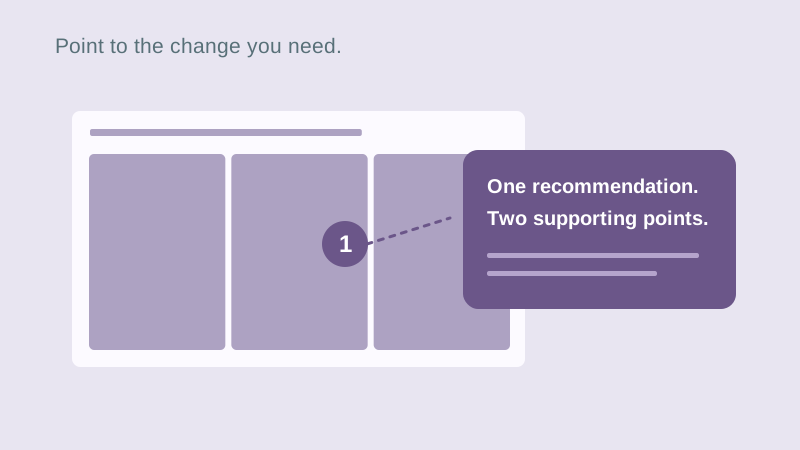
Change one slide with your AI
Point to what needs changing, send a scoped request, and review the returned revision.
Follow the lesson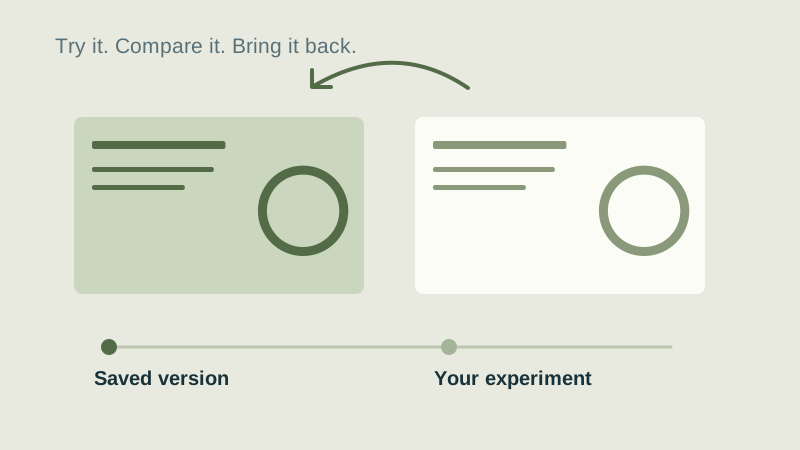
Try a change and restore an earlier version
Experiment with confidence using Undo and the editor’s local version history.
Follow the lesson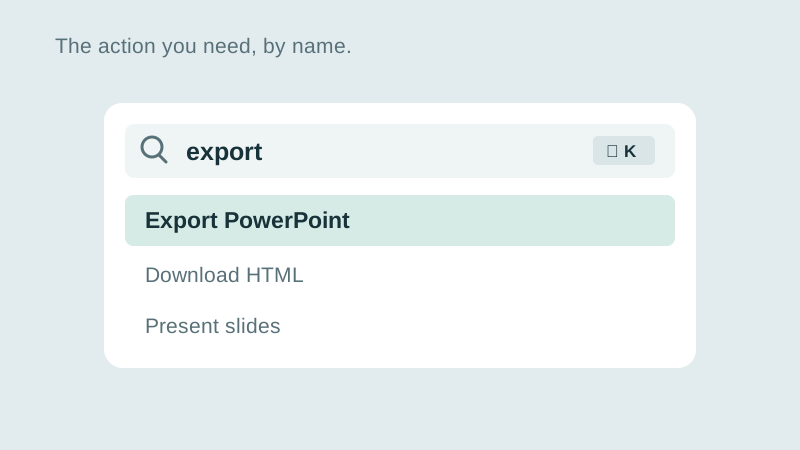
Find an editor action by name
Use the command palette and familiar shortcuts to move through your deck.
Follow the lesson
Prepare the tools for offline work
Prepare an offline copy and prove that local editing and conversion work without a connection.
Follow the lessonYours to keep
Your work. Your files. Your next move.
Keep your deck in your own files. Continue in PowerPoint, share it with colleagues, or return to the HTML source for your next AI revision.
PowerPoint · keep working
An editable .pptx for the tools and people you already work with.
HTML · keep the source
A self-contained source file you can open in a browser and revise with your chosen AI.
Need a specific answer? Read the guides and reference
Progress is kept in this browser only.