Start · 5 min practice
Simple prompt: let your AI design the slides
Use the General prompt for a quick start. Your AI chooses the design; you bring the finished HTML back to unPaper.
Fictional practice material · no account · updated 14 October 2026
- 01
Prepare a small, clear brief
In your permitted AI, ask for an outline for a fictional four-slide warehouse rollout update: three of four sites live, a final weekend cutover, and October spending of €2.10m against €2.30m planned. Review the story and the figures before asking for slides.
Check: You have an outline with an audience, a purpose and checked facts.
- 02
Copy the simple prompt
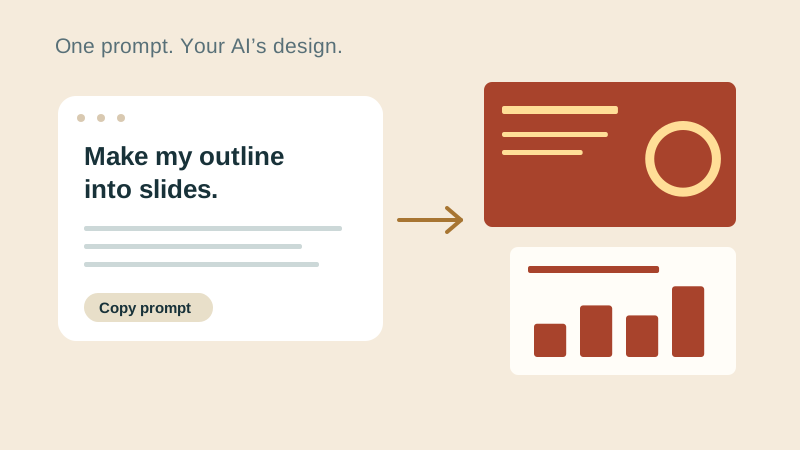
Open General prompt above. This is the simple starting route, also available as the first card under Create slides. Copy prompt gives your AI the format instructions while leaving the slide design to it. Paste the prompt into the chat with your outline.
Check: Your AI has both the outline and the full prompt.
- 03
Bring the complete reply back
Wait for your AI to finish. In unPaper, open AI reply and paste the complete answer or drop its HTML file. If the answer stopped early, ask the AI to finish the file before reviewing it. unPaper does not generate the slides itself.
Check: Your slides open in the editor and none are missing.
- 04
Review and keep the result
Check the wording, numbers and layout on every slide. Edit the text in the editor, then export PowerPoint and download the HTML source. The files are yours to store and continue working with; changes to one do not automatically change the other.
Check: You have a matching PowerPoint and HTML file, and both open outside unPaper.
Check what you can do
Tick the results you verified yourself.
No account or reporting. Completion stays on this device.
Yours to keep
Your work. Your files. Your next move.
Keep your deck in your own files. Continue in PowerPoint, share it with colleagues, or return to the HTML source for your next AI revision.
PowerPoint · keep working
An editable .pptx for the tools and people you already work with.
HTML · keep the source
A self-contained source file you can open in a browser and revise with your chosen AI.
Next lesson
Templates: turn an outline into a deck