Start · 6 min practice
Templates: turn an outline into a deck
Follow one template from an outline in your chat to a deck you can finish in PowerPoint.
Fictional practice material · no account · updated 14 October 2026
- 01
Start with the story in your chat
Use the AI permitted for your data and task. For practice, ask for a four-slide steering update for a fictional warehouse rollout: three of four sites live; the last site needs a weekend cutover; October spending €2.10m against €2.30m planned. Ask for an outline first, and review it.
Check: You have an outline you understand and facts you can verify.
- 02
Give your AI a slide design
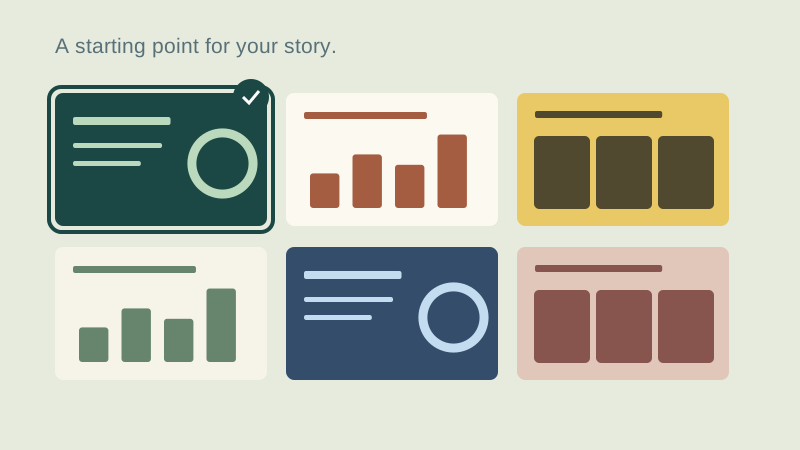
Open Project pulse with the button above. Choose the look and deck size, then Copy prompt. The example slides guide your AI; it writes your version and can add or omit slides to fit the story.
Check: The prompt is copied and you know which look you selected.
- 03
Bring back the answer
Paste the design prompt into the same AI chat. When the answer is complete, return to unPaper and use AI reply to paste the whole answer or open its HTML file. Generation happens in your chosen AI; unPaper opens and edits the returned deck locally.
Check: The editor shows your content. Check every slide; output varies with the model.
- 04
Review, finish and keep it
Correct the text and figures, check for overflow, then export PowerPoint and save the HTML source. If the AI stopped early, ask it for the complete file or use the recovery guidance in AI reply. You can use the practice deck to learn the editing step while your AI is working.
Check: Your files open independently and the content is ready for your own review process.
Check what you can do
Tick the results you verified yourself.
No account or reporting. Completion stays on this device.
Yours to keep
Your work. Your files. Your next move.
Keep your deck in your own files. Continue in PowerPoint, share it with colleagues, or return to the HTML source for your next AI revision.
PowerPoint · keep working
An editable .pptx for the tools and people you already work with.
HTML · keep the source
A self-contained source file you can open in a browser and revise with your chosen AI.
Next lesson
Custom prompt: choose layouts and a look