Keep & reuse · 4 min practice
Converter: turn HTML into editable PowerPoint
Open an HTML deck, check the slides, convert locally and keep the source alongside the PowerPoint.
Fictional practice material · no account · updated 14 October 2026
- 01
Choose a source file
Download Starting HTML above for a safe first conversion, or use your own HTML deck. Keep this source file. Open the converter and choose or drop the file; you can also paste the complete HTML.
Check: The preview shows all four Harbourline slides, or all slides from your own deck.
- 02
Inspect the preview
Review every slide, including long headings, images and charts. Read any warnings before converting. A self-contained file such as the practice deck works offline once the tools are prepared; decks with external assets may need a connection to load those assets first.
Check: The preview is complete and you understand any reported limitations.
- 03
Convert and check the PowerPoint
Choose Convert to PPTX (Create PowerPoint in the editor’s export panel), wait for completion and save the PowerPoint. Open it in your presentation app. Select a heading to check editable text; the practice deck’s chart also carries editable data. Some visual effects may be preserved as images.
Check: The saved PowerPoint opens, has the expected slides and lets you edit the practice heading and chart.
- 04
Keep a matching pair
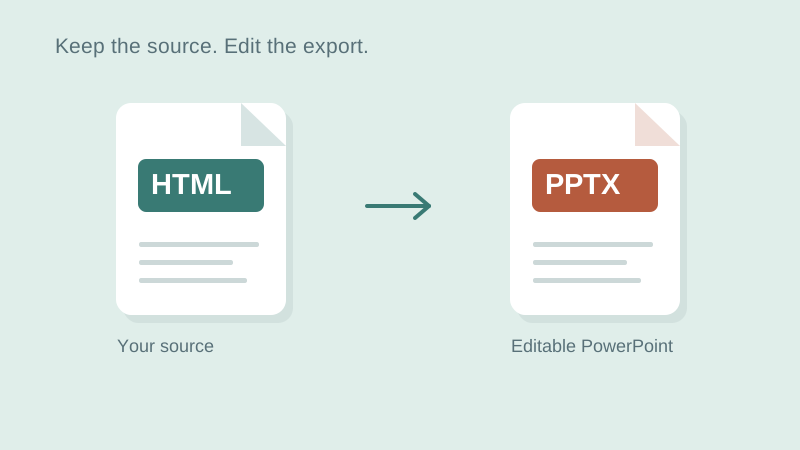
Store the HTML and PowerPoint together with matching names, such as harbourline-v1.html and harbourline-v1.pptx. Keep a new pair after later revisions. If the PowerPoint becomes your latest version, import that file before starting a new HTML-based revision.
Check: You can identify which source goes with the PowerPoint and open both independently.
Check what you can do
Tick the results you verified yourself.
No account or reporting. Completion stays on this device.
Yours to keep
Your work. Your files. Your next move.
Keep your deck in your own files. Continue in PowerPoint, share it with colleagues, or return to the HTML source for your next AI revision.
PowerPoint · keep working
An editable .pptx for the tools and people you already work with.
HTML · keep the source
A self-contained source file you can open in a browser and revise with your chosen AI.
Next lesson
Editor: edit a deck and keep your files